// Access Virus TI · Apple Silicon & Android

The Access Virus TI,
Native Again

Access shipped the Virus TI with an x86 kernel driver that never made the jump to Apple Silicon. Aleph Virux rebuilds the whole stack from scratch in userspace — no kext, no DriverKit — so your Virus TI Snow, Desktop, or Polar shows up as a plugin again. The original control surface, as an AUv3 / VST3 on macOS and a control app on Android.

The only Virus TI plugin that does both: multi-channel audio streamed over USB and two-way patch sync with the hardware.

Curious how it sounds? Glitch Radio is a live demo of the Virux plugin, streaming right now.

Built for
macOS · AUv3 / VST3
Android

A Modern Stack for a Classic Synth

Aleph Virux rebuilds the Access TI software stack from the ground up so the hardware you already own keeps working on the machines you actually use today — and it is the only plugin that carries the Virus TI's audio over USB and keeps patches in sync with the hardware.

Native Apple Silicon

Runs natively on aarch64 — no Rosetta, no x86 kernel extension. The original Access software was never ported to Apple Silicon; Virux is built for it from day one.

No Kext, No DriverKit

The whole USB stack lives in userspace and talks to the device over IOUSBLib. Nothing loads into the kernel, so there's no system extension to approve and no reboot to install.

The Original Control Surface

Oscillators, filters, LFOs, the modulation matrix, arpeggiator, and the full effects section — the Virus editor you already know, sourced from the documented page A/B parameter model.

AUv3 & VST3

Load Virux in Logic, GarageBand, Ableton Live, or any AU/VST3 host. The macOS VST3 build passes the Steinberg SDK validator 47/47 — audio, MIDI notes, and parameters.

Audio & MIDI Over USB

The only Virus TI plugin that streams the synth's audio back over USB — multi-channel capture through CoreAudio, plus full note / CC / parameter control over the vendor protocol, on the same isochronous and control endpoints the original driver used. Everything else leaves you patching analog outs.

Two-Way Patch Sync

Pull the patch off the hardware into the editor, tweak it, and push it straight back — the plugin and the synth stay in step, and your patch saves with the session. No other Virus TI plugin does patch sync and audio over USB; Virux is the only one that does both.

OsTIrus: Emulated Virus (New in 0.1.113)

Control an emulated Virus TI, TI2, or Snow through The Usual Suspects' OsTIrus / DSP Bridge — same editor, same MIDI, patch transfer, and all three stereo audio returns as a USB Virus. Bring your own original TI firmware; run it side by side with your hardware. See the manual.

How It Works

One process owns the hardware; your plugins reach it over IPC. That split is what lets a single USB device drive multiple plugin instances without a kernel driver in the middle.

1

Container App

A lightweight macOS app claims the Virus over USB from userspace, enumerates its audio and control interfaces, and keeps the device's keepalive stream alive.

  • Owns the single USB connection
  • No kernel extension involved
2

Plugin over IPC

The AUv3 extension and VST3 plugin connect to the container over XPC / IPC, so your DAW talks to the synth without ever touching the USB device directly.

  • Audio, notes, parameters, and patches
  • Same core engine on every host
3

The Hardware

Your Virus TI does the synthesis, exactly as it always has. Virux is the bridge — it speaks the device's native USB audio and vendor control protocol.

  • All the original DSP, in hardware
  • Reads model & firmware off the device

Getting Started

1

Connect

Plug your Virus TI Snow, Desktop, or Polar into your Mac or Android device over USB.

2

Launch

Open the container app once so it claims the device, then add the Virux plugin to a track.

3

Play

Send MIDI from your DAW; audio streams back from the Virus into your session.

4

Tweak

Edit patches from the on-screen control surface — every change is sent straight to the hardware, and patches sync back the other way too.

The Same Editor, Two Platforms

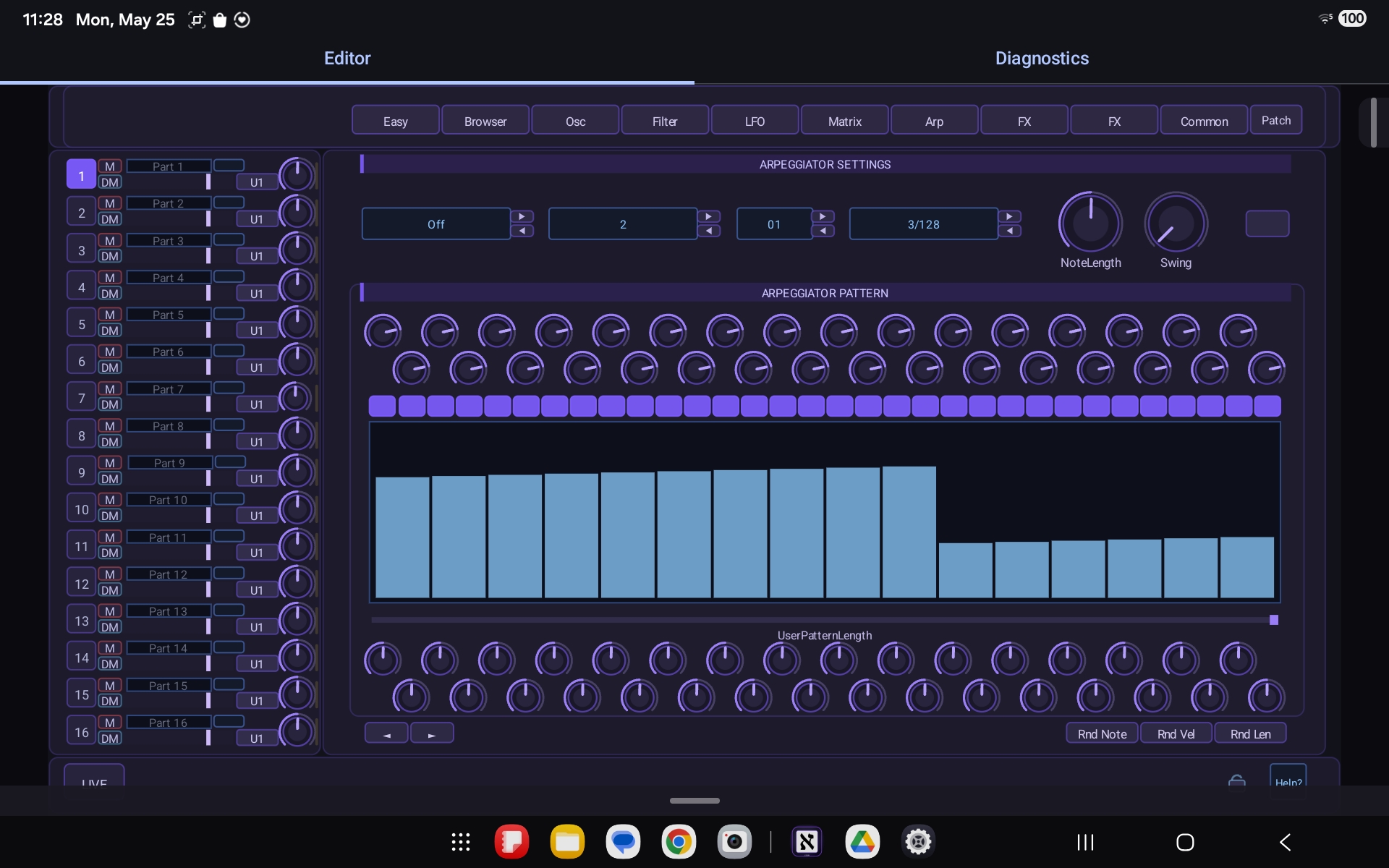
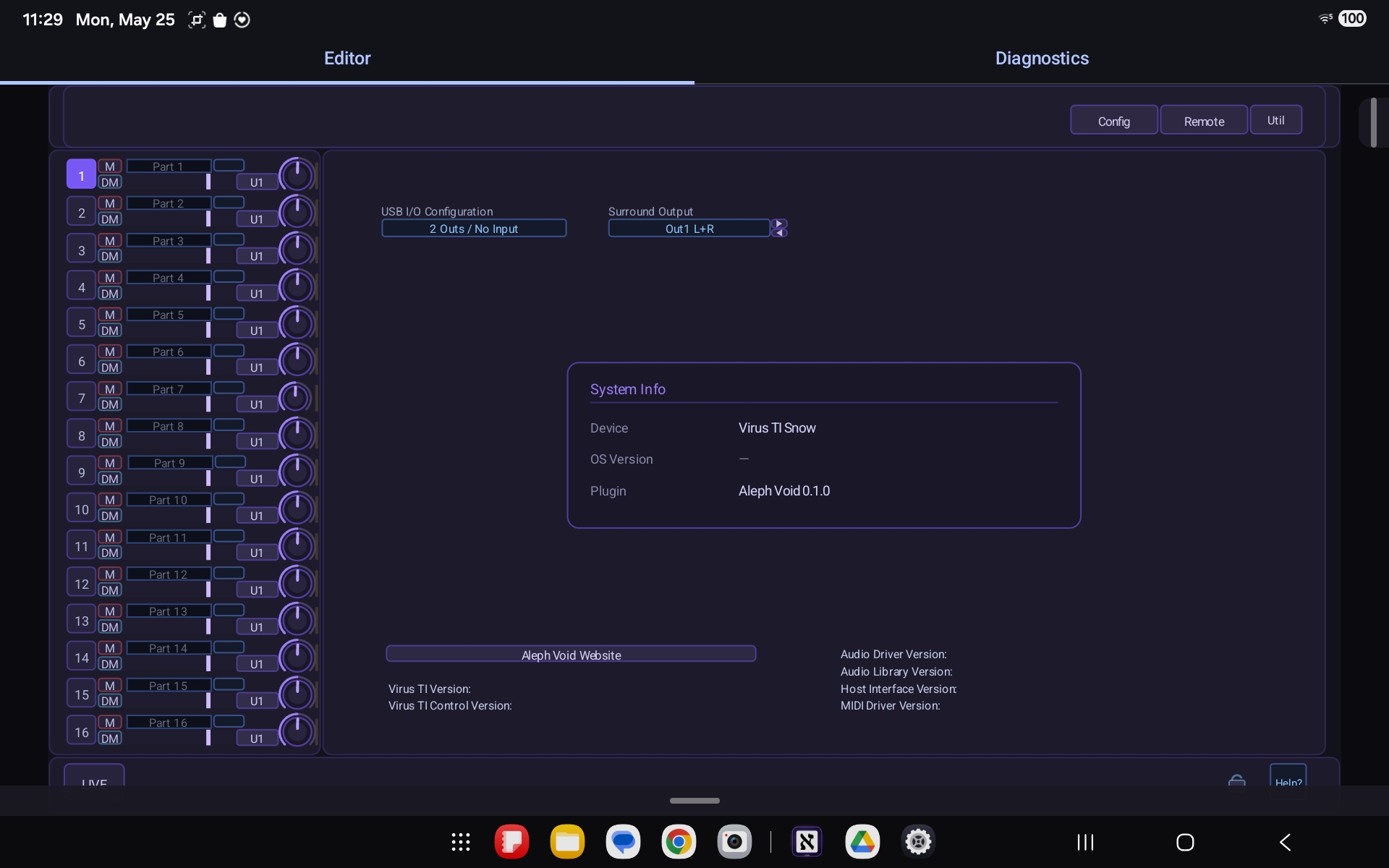
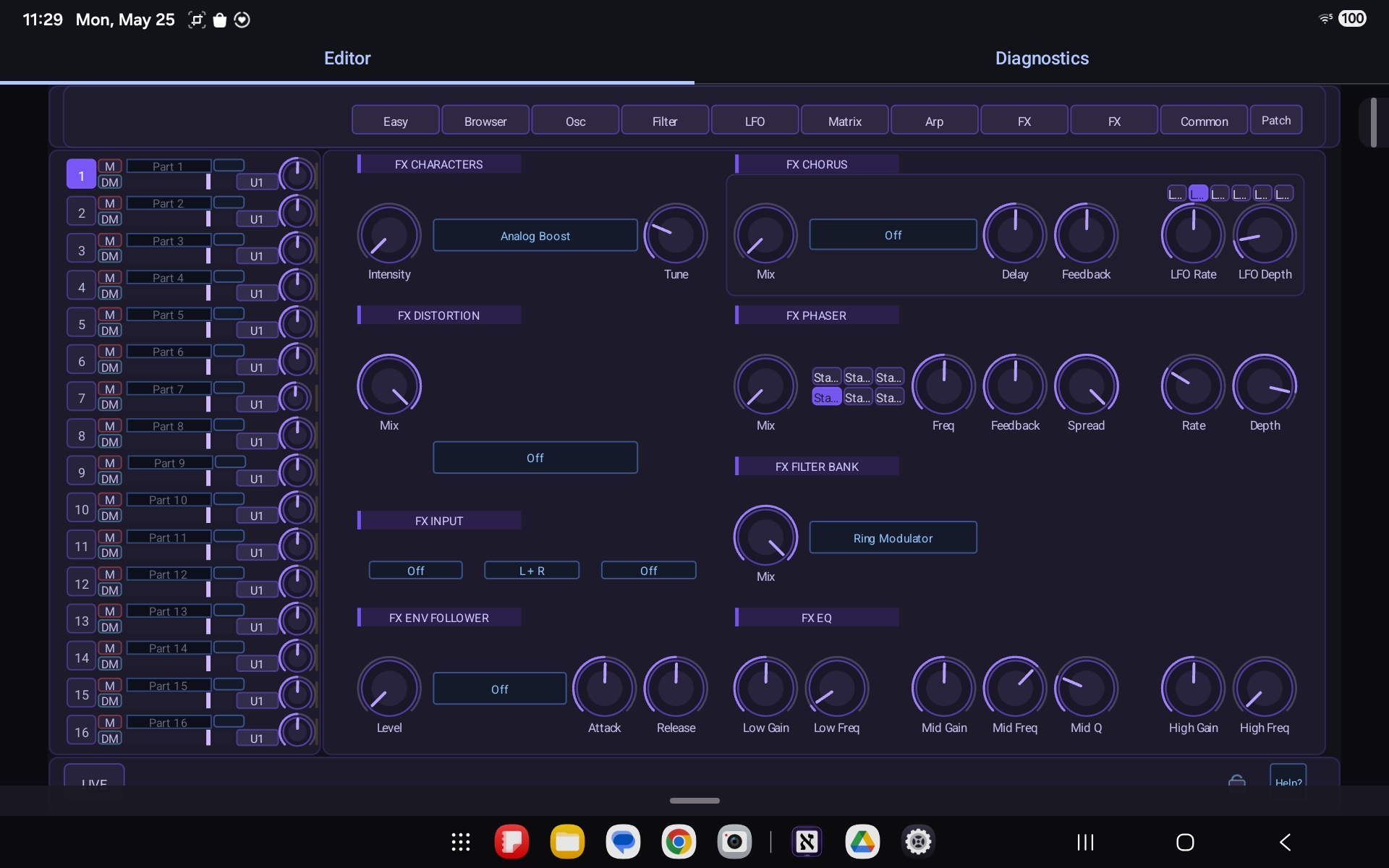
The full Virus control surface, page by page — as an AUv3 plugin in your DAW on macOS, and as a standalone app on Android. Click any shot to enlarge.

macOS · AUv3 & VST3 plugin
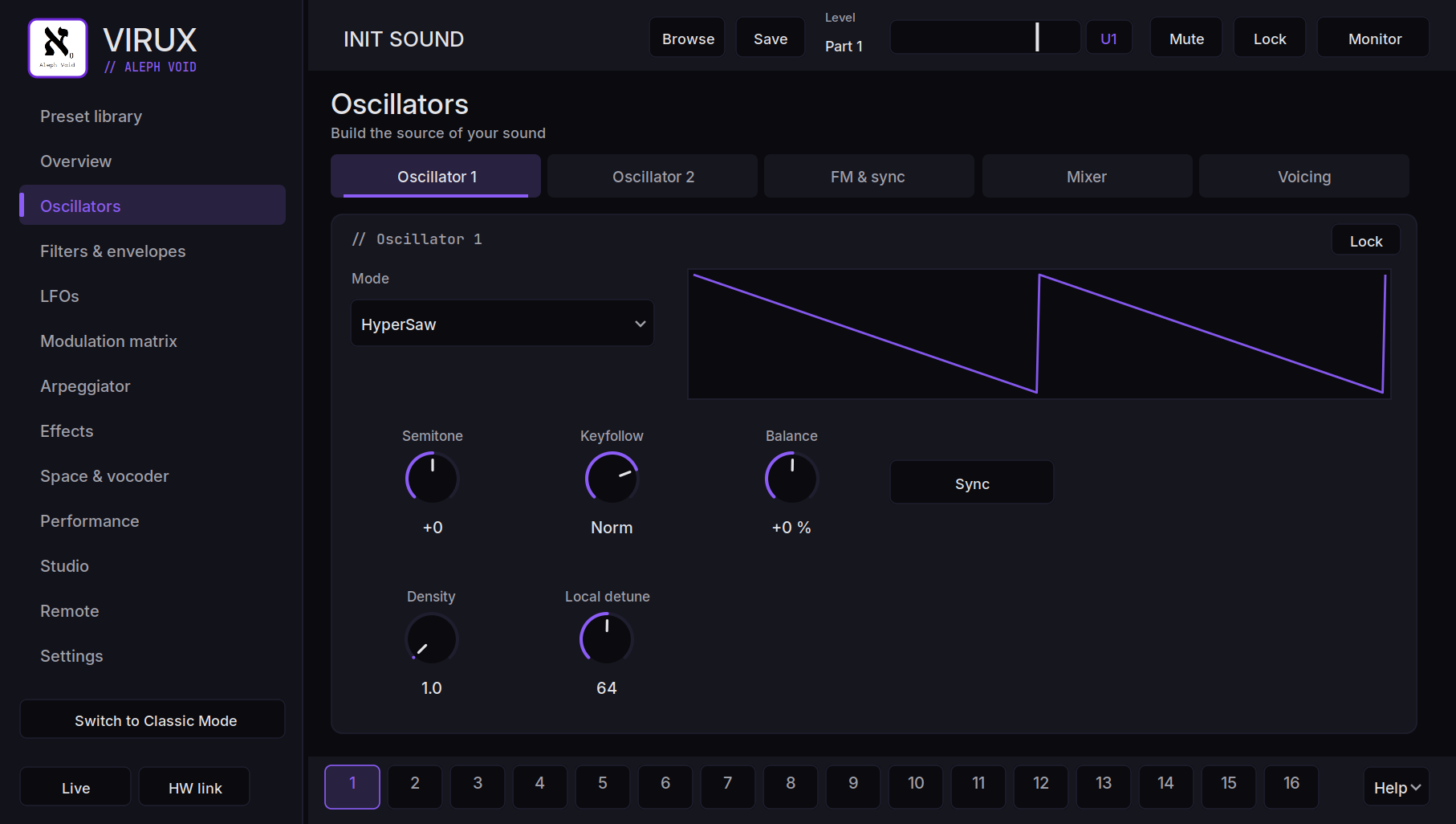
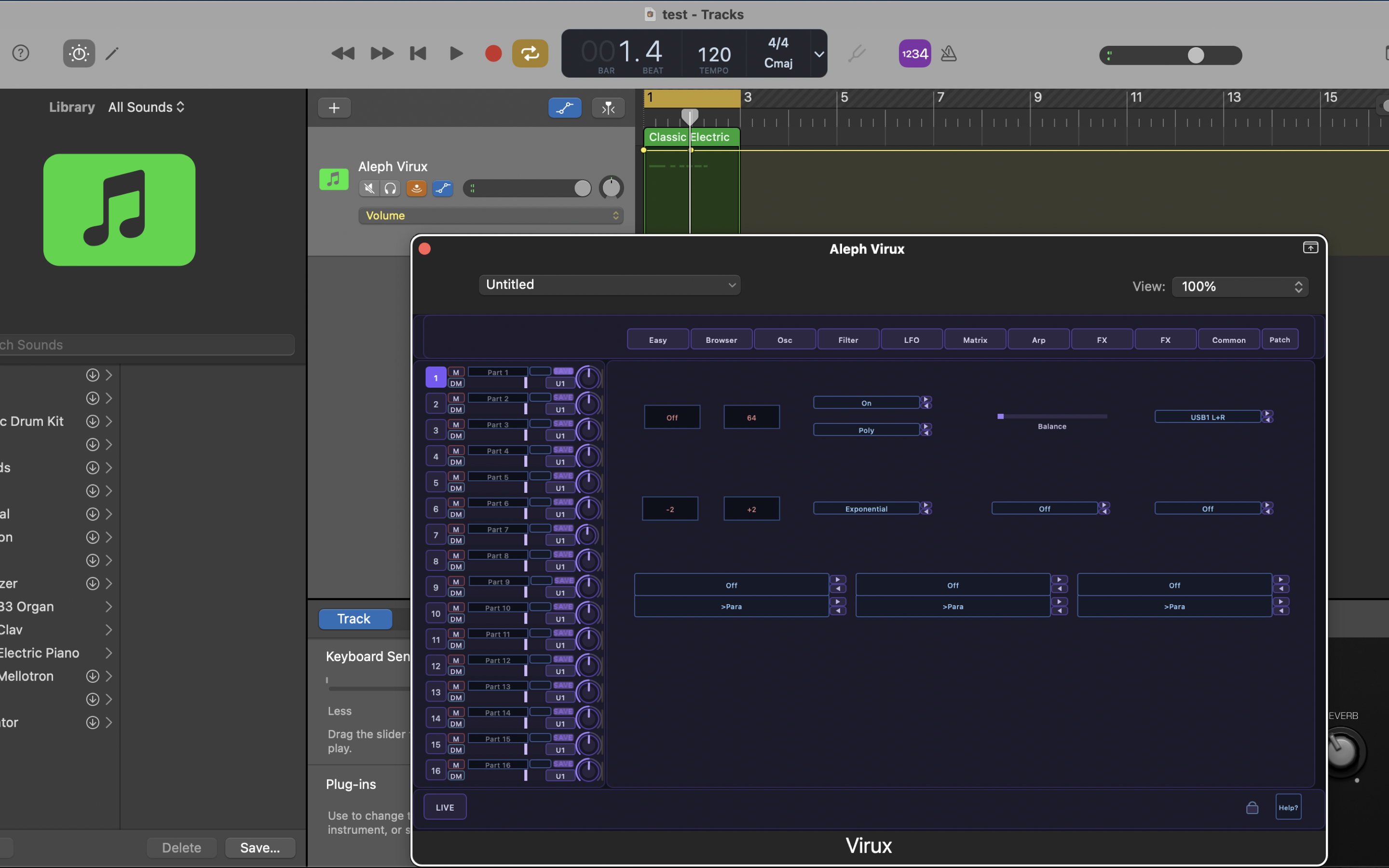
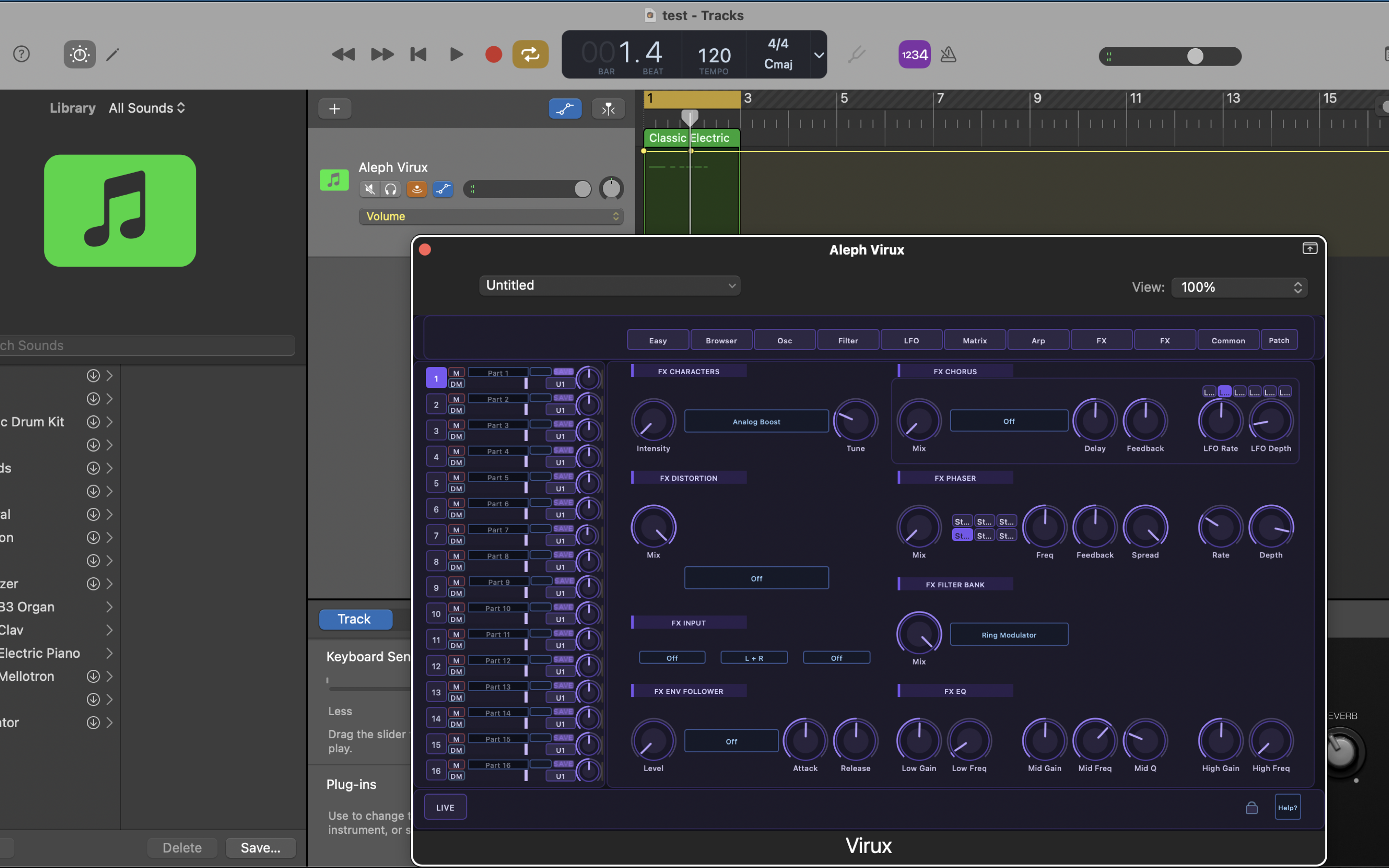
AUv3 — Logic, GarageBand & AU hosts
VST3 — Ableton Live, Cubase & VST3 hosts
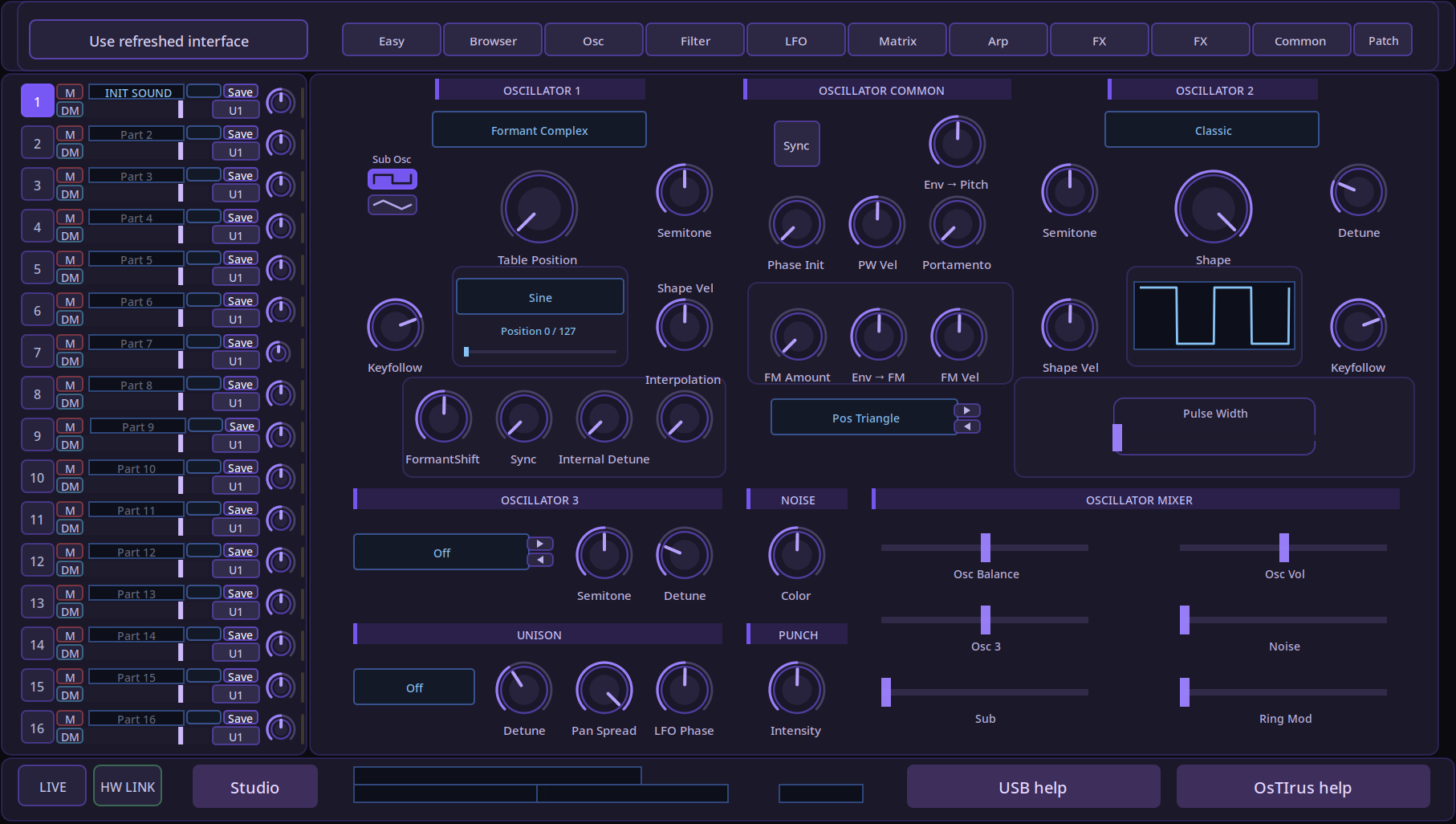
Aleph Virux oscillator page with HyperSaw waveform preview on macOS
Oscillators
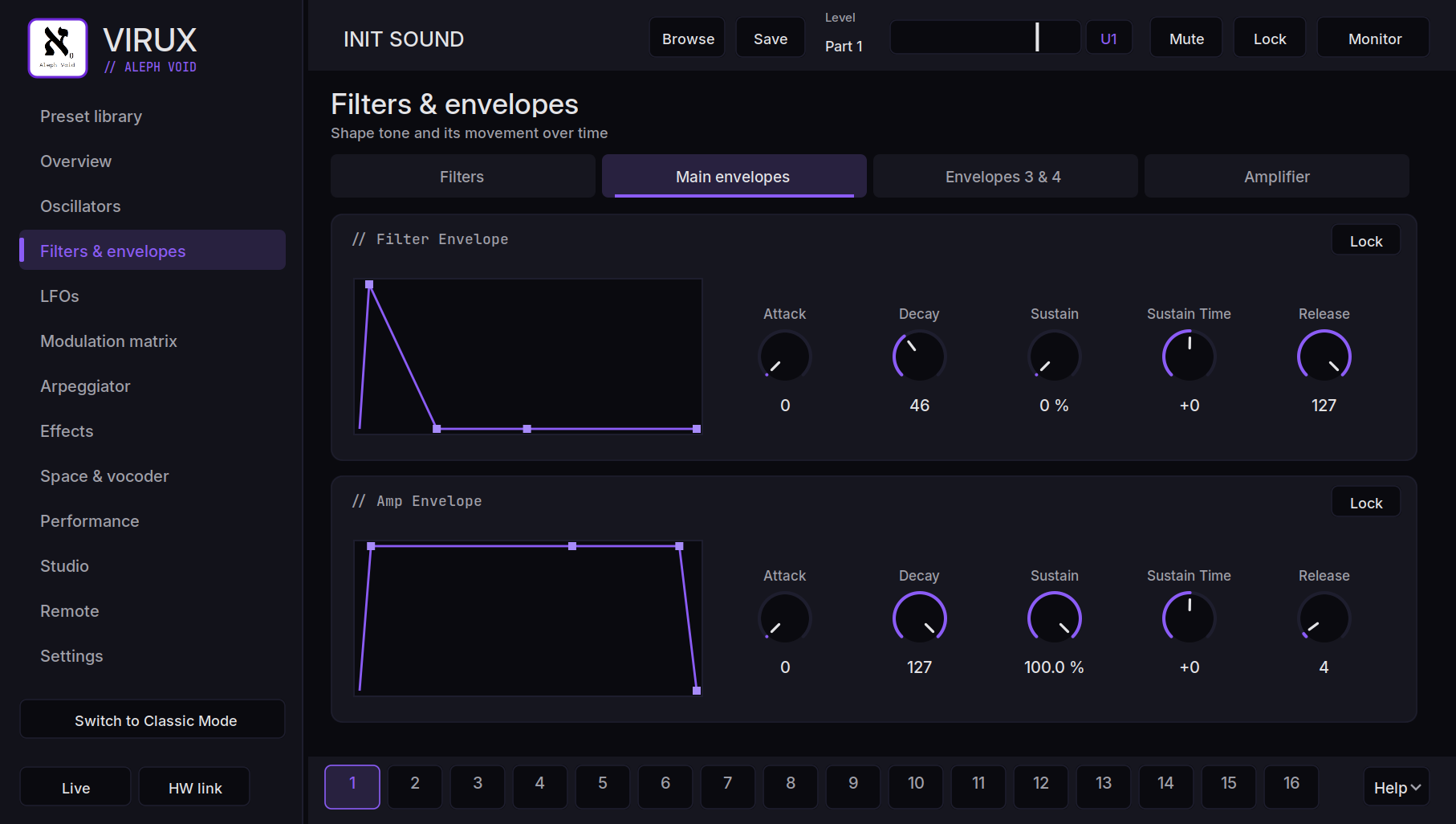
Aleph Virux filter and amp envelope editor on macOS
Filters & envelopes
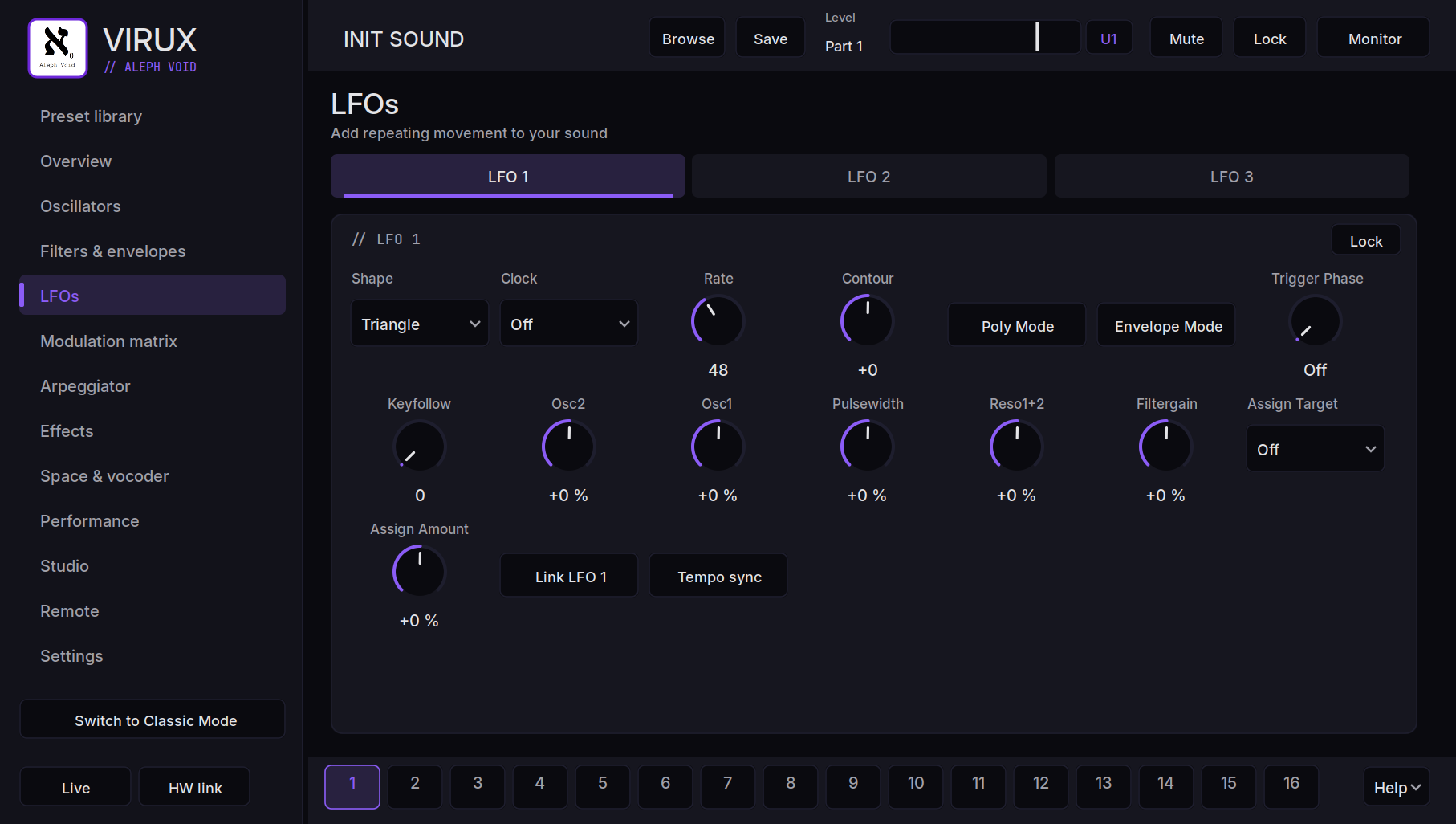
Aleph Virux LFO page on macOS
LFOs
Aleph Virux modulation matrix on macOS
Modulation matrix
Aleph Virux effects section with EQ and input on macOS
Effects section
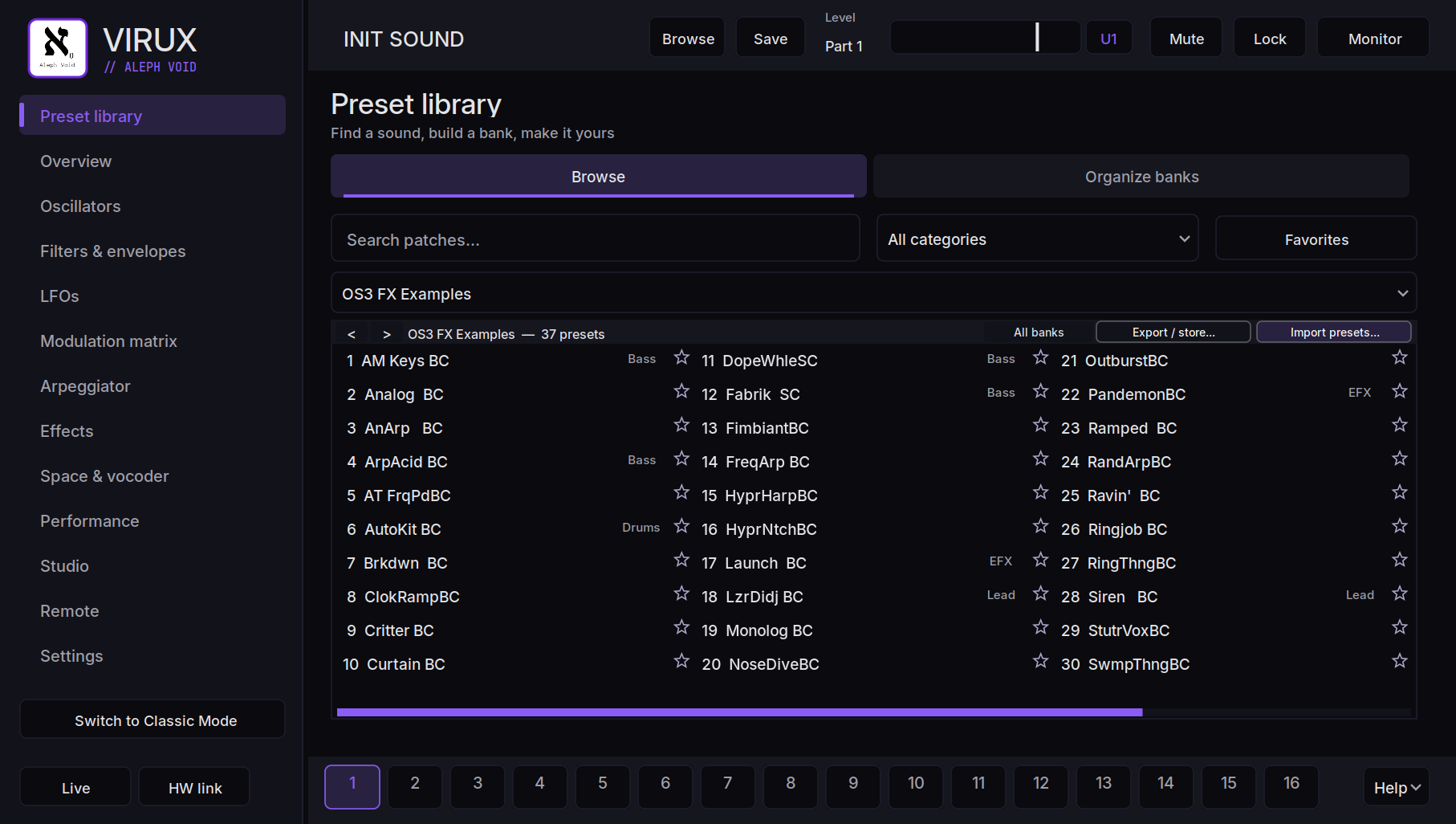
Aleph Virux preset library browser on macOS
Preset library
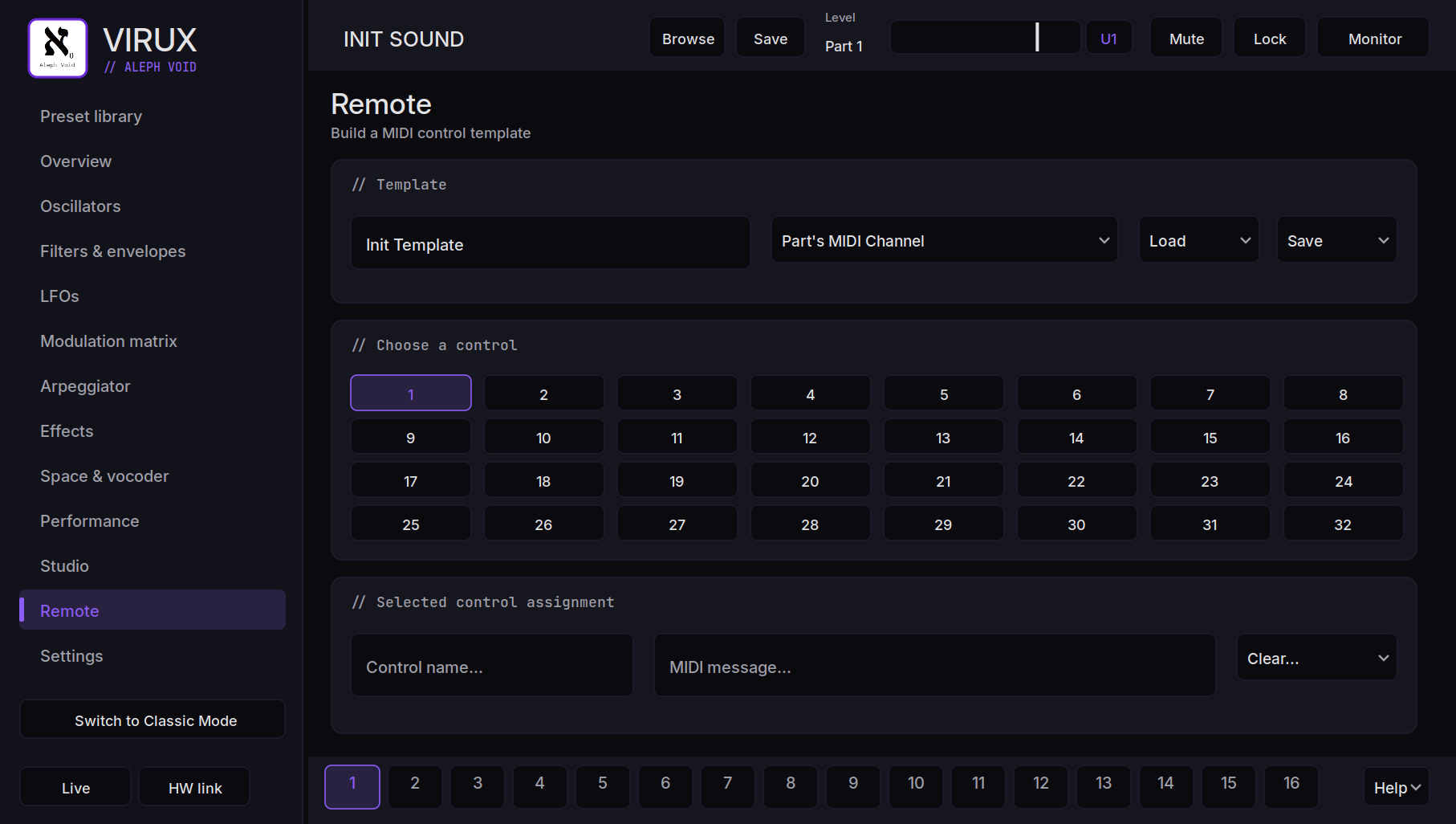
Aleph Virux remote control template editor on macOS
Remote templates
Aleph Virux Classic Mode layout on macOS
Classic Mode

Android · standalone app
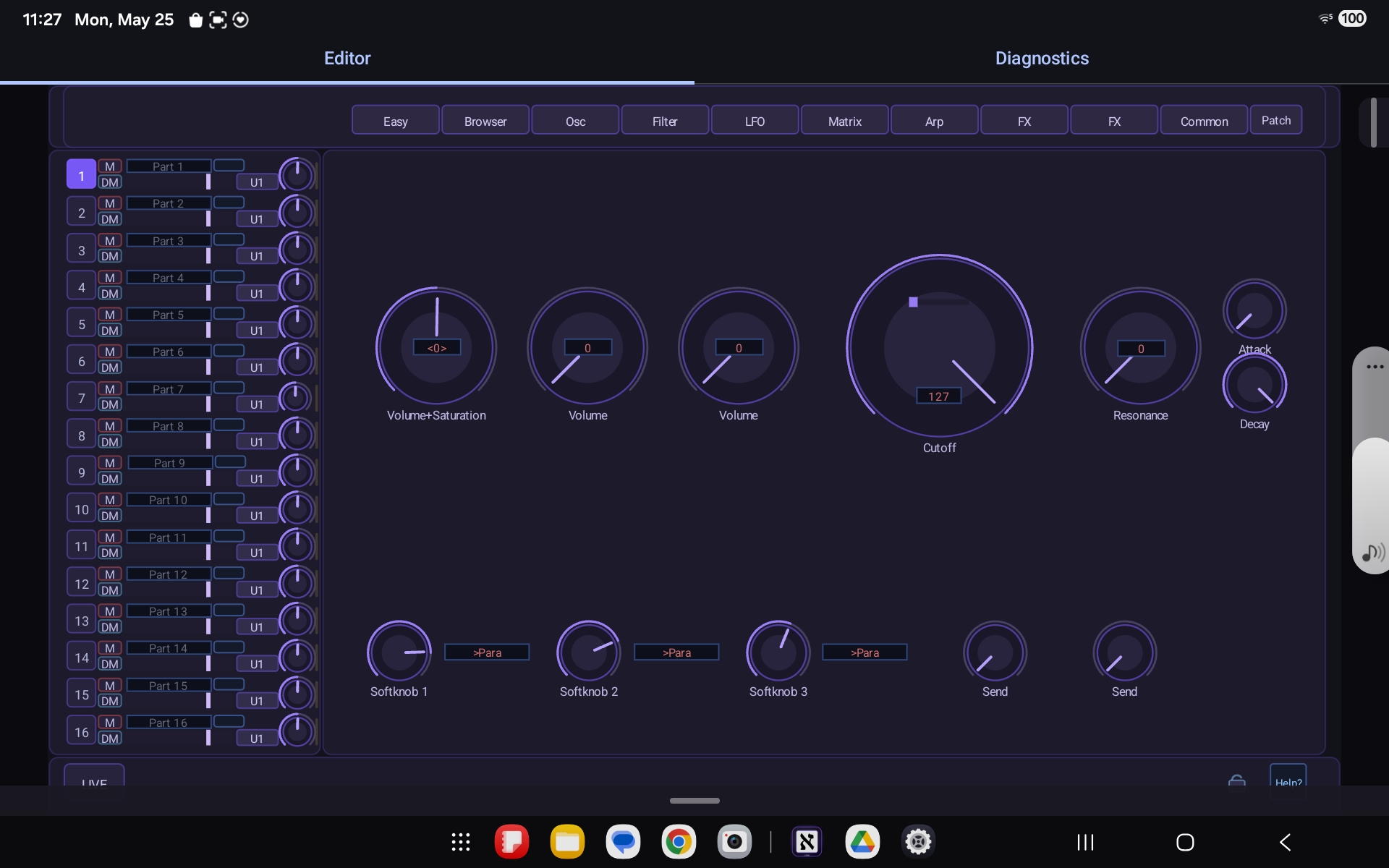
Aleph Virux Easy page and 16-part mixer on Android
Easy page & mixer
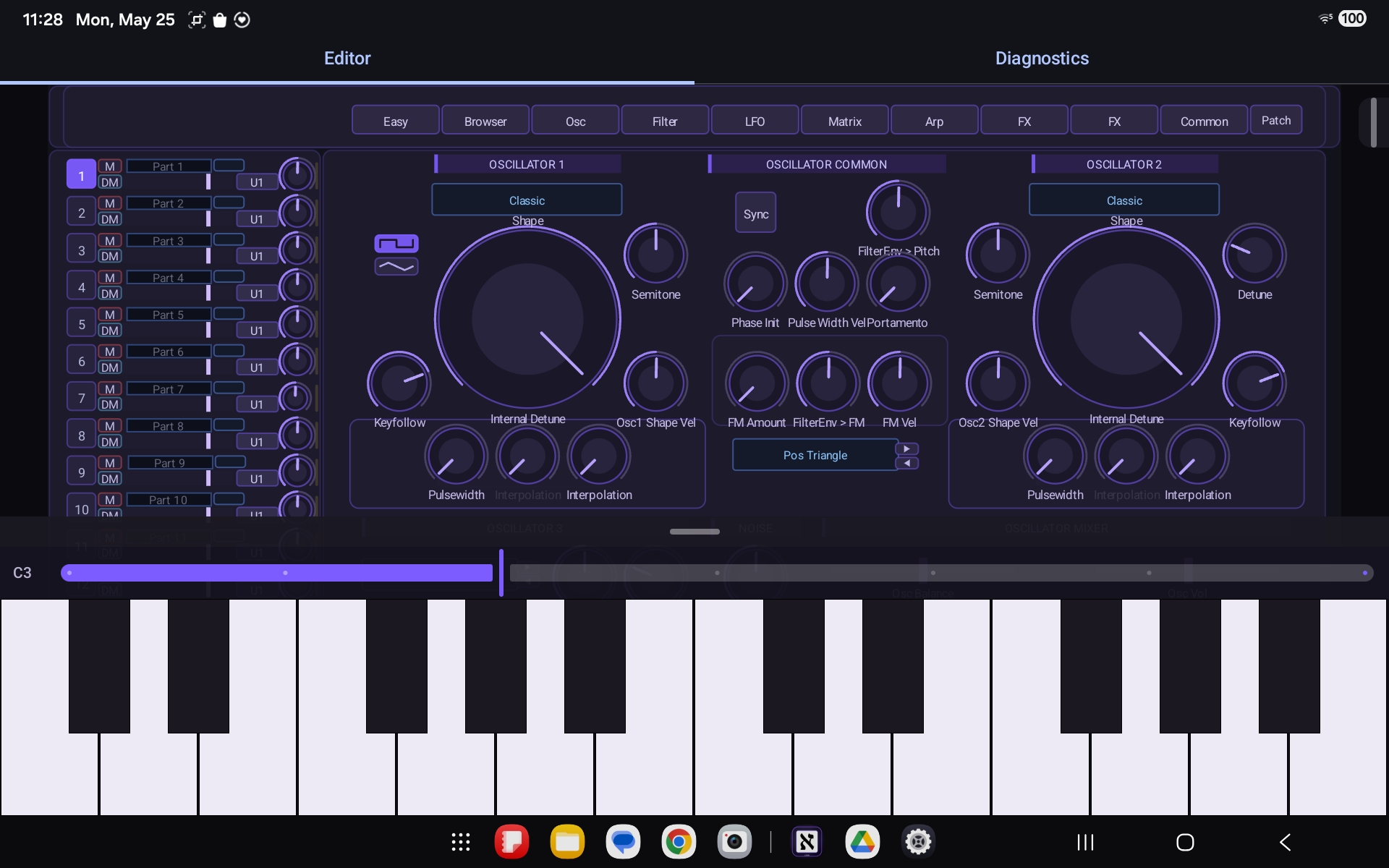
Aleph Virux oscillators with on-screen keyboard on Android
Oscillators & keyboard
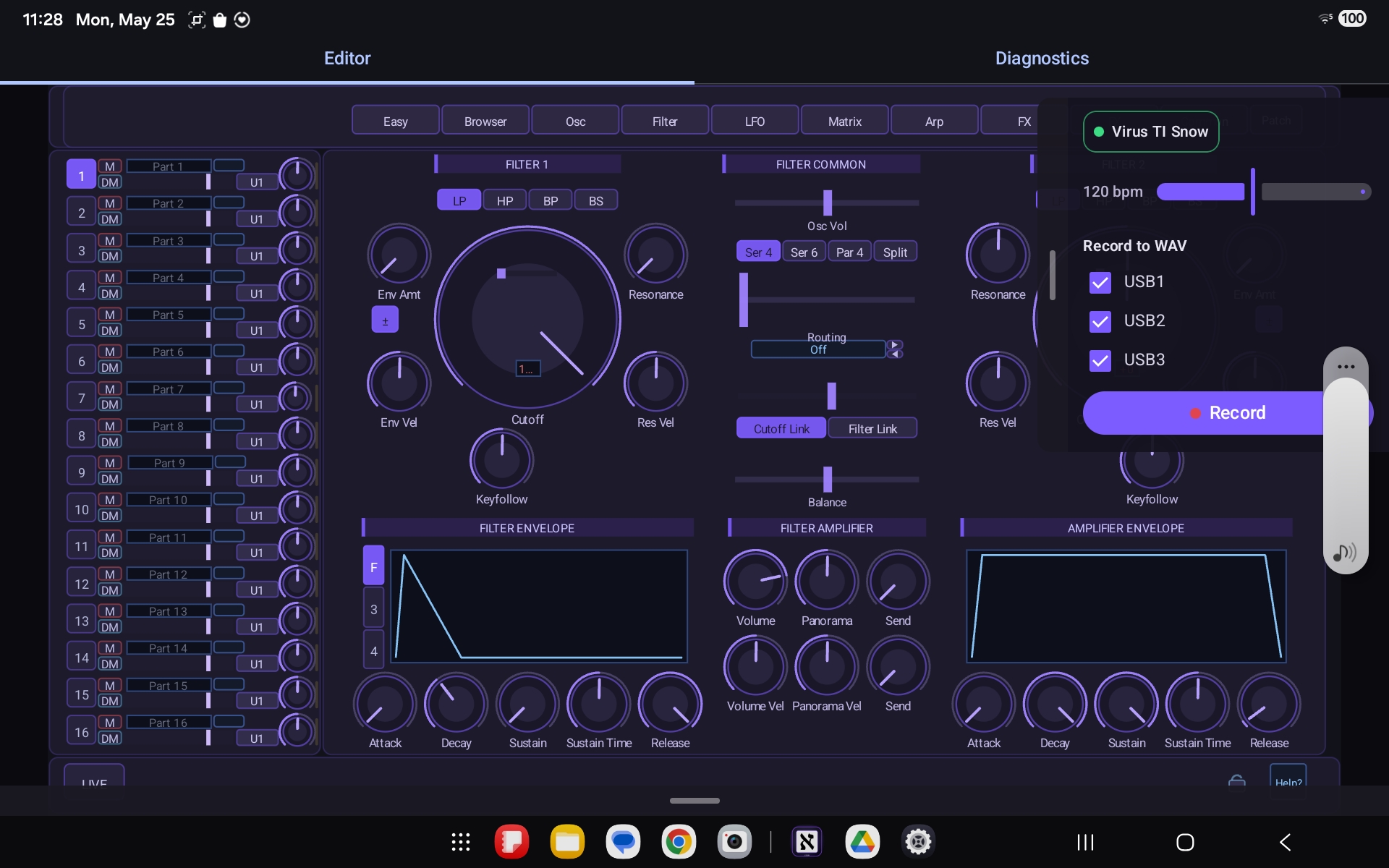
Aleph Virux filter page with record-to-WAV panel on Android
Filter & record to WAV
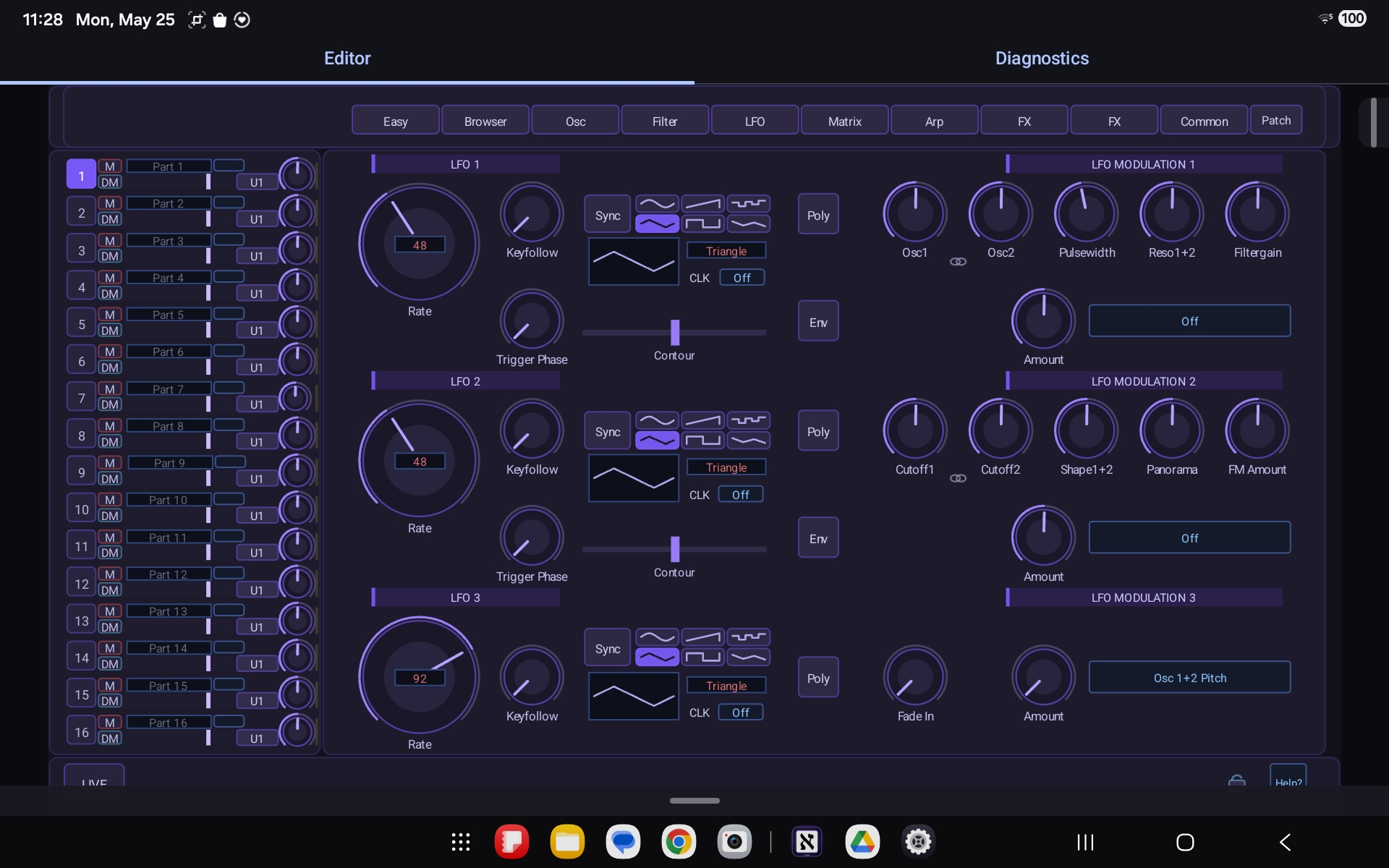
Aleph Virux LFO and modulation page on Android
LFOs & modulation
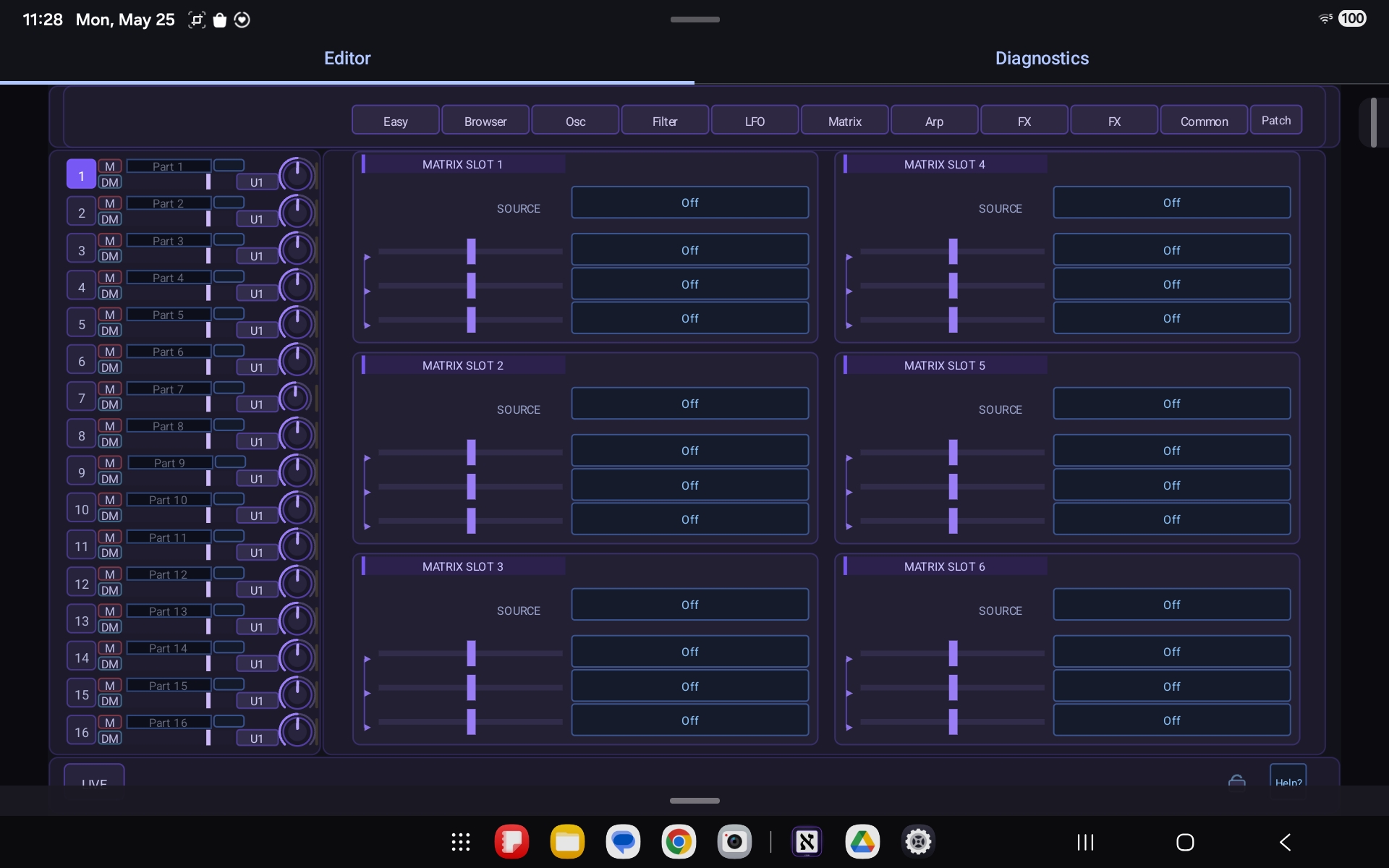
Aleph Virux modulation matrix on Android
Modulation matrix
Aleph Virux arpeggiator pattern editor on Android
Arpeggiator
Aleph Virux effects section on Android
Effects section
Aleph Virux diagnostics and device info on Android
Diagnostics & device info

Works With Your Virus TI

Aleph Virux targets the USB-connected Access Virus TI family. It speaks the device's native protocol directly — no Access software, no kernel driver.

Virus TI Snow
Confirmed on live hardware
Virus TI Desktop
Same USB protocol family
Virus TI Polar
Same USB protocol family
Apple Silicon Macs
macOS on aarch64
Android, USB host
Vendor USB access supported
OsTIrus (DSP Bridge)
Emulated TI, TI2 & Snow — new in 0.1.113
Why not iOS?
iOS forbids the vendor USB access this needs

Download Aleph Virux

Pick your platform below.

Frequently Asked Questions

What problem does Aleph Virux solve?

The Access Virus TI shipped with an x86 kernel extension and plugins that don't run natively on Apple Silicon. Aleph Virux rebuilds that stack in userspace so your Virus TI works as a plugin again on a modern Mac — no Rosetta, no legacy driver.

Which hardware is supported?

The Access Virus TI family connected over USB — Snow, Desktop, and Polar. Development is confirmed against a live Virus TI Snow (USB VID 0x133E, PID 0x0815); the Desktop and Polar share the same USB protocol.

Can I use Virux without the Virus hardware?

Yes — as of 0.1.113, Virux can control an emulated Virus TI, TI2, or Snow through The Usual Suspects' OsTIrus / DSP Bridge (server 2.2.25). Choose Config › System Info › Device › Add OsTIrus… and select your own original TI firmware.bin — no firmware ships with Virux. The emulator appears as another entry in the Device menu and uses the same session and editor as a USB Virus: MIDI, parameter edits, patch transfer, and all three stereo audio returns. Hardware-only features (Hardware Link, physical USB I/O configuration, the RAM/ROM bank sweep) stay unavailable for emulators. The manual's OsTIrus chapter has the full setup.

Can I run an OsTIrus emulator and my USB Virus at the same time?

Yes. USB synths and OsTIrus configurations share the same Device menu and the same single-owner rules, so one Virux track can control your USB Virus while another controls an OsTIrus instance — or several independent emulators, each with its own per-instance configuration — and neither track can take the synth owned by the other. If a saved OsTIrus configuration is still booting when a project opens, that track falls back to the USB device automatically and returns to its preferred emulator once it's ready and free; an explicit pick in the Device menu always takes precedence.

Do I need to install a kernel driver?

No. Everything runs in userspace over IOUSBLib. There's no kext or DriverKit system extension to approve, and no reboot to install. A small container app claims the USB device, and your plugins reach it over IPC.

What plugin formats are there?

On macOS, Aleph Virux ships as an AUv3 (app + extension) and a VST3 plugin sharing the same core engine. The VST3 build passes the Steinberg SDK validator 47/47, with working audio, MIDI notes, and parameters.

Will there be an iOS version?

No. iOS does not allow the vendor-specific USB access that talking to the Virus requires, so an iPhone / iPad build isn't possible. Android, which does permit USB host vendor access, is supported instead.

How is this different from other Virus TI plugins and editors?

Aleph Virux is the only plugin that does both audio over USB and two-way patch sync. Other editors send parameter changes and leave you to route the synth's analog outputs into an audio interface; Virux streams multi-channel audio back over the same USB connection and keeps patches in sync with the hardware in both directions. It's built from a clean-room understanding of the device's USB audio and vendor control protocol — no vendor binaries required.

Does it collect any data?

The macOS driver and plugins do no networking and collect nothing — everything happens locally between your Mac and the synth. See the Privacy Policy for the full breakdown, including the Android build.

How do I report a bug?

Open an issue on our GitHub issue tracker, or head to the Support page to email us. Include your hardware model, OS version, host / DAW, and steps to reproduce.